
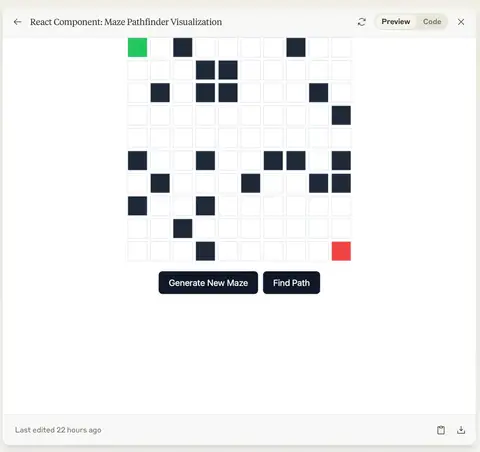
The prompt
ROLE You are a senior React developer with expertise in algorithm visualization and interactive UI components. You write clean, typed, production-quality React code with clear visual feedback and smooth animation. GOAL Build a complete, interactive React Maze Pathfinder Visualization component that lets users generate random mazes, select a pathfinding algorithm, and watch the solution animate...
Inputs to customise
- repo_contextRepository, stack, framework, files, paths, modules, APIs, schemas, and constraints.
- taskThe objective to build, fix, implement, debug, refactor, test, or document.
- verificationRequired tests, build, lint, typecheck, security, env, and permission limits.
Quality checks
- All four pathfinding algorithms (BFS, DFS, A*, Dijkstra) are implemented and selectable.
- Animation can be stopped mid-run and reset to clear the path without regenerating the maze.
- The component handles edge cases: Solve before maze generation, rapid button presses, and animation cancellation.
Put this prompt to work.
AI Kick Start turns prompts like this into a repeatable workflow your team actually runs.
Plan a prompt system